

Ebike USB Programming Cable Solve Speed Limit Issue for BAFANG M-600 M510 CAN, Protocol Motor Dedicated
Product details
| Management number | 214454368 | Release Date | 2026/04/12 | List Price | $16.26 | Model Number | 214454368 | ||
|---|---|---|---|---|---|---|---|---|---|
| Category | |||||||||
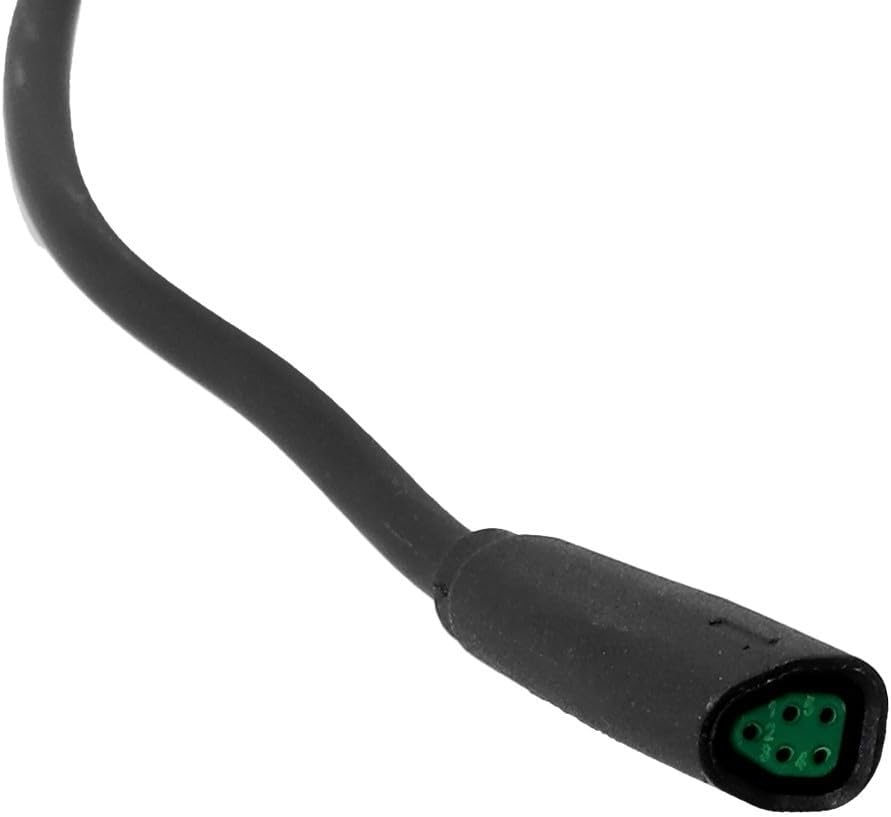
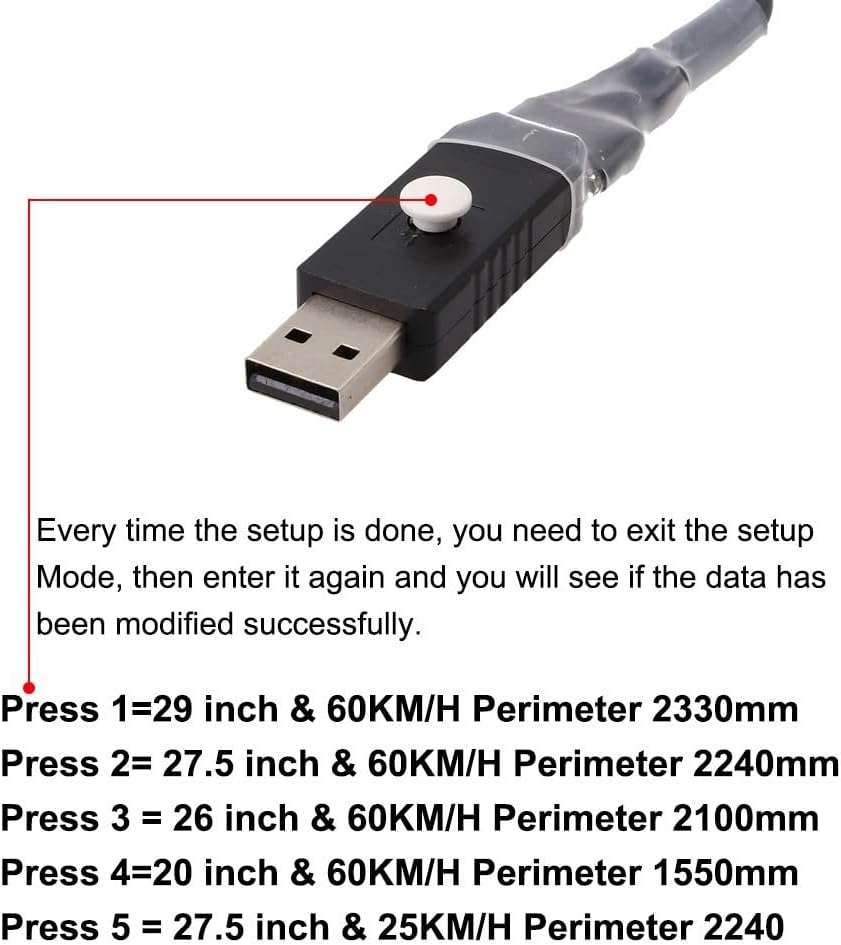
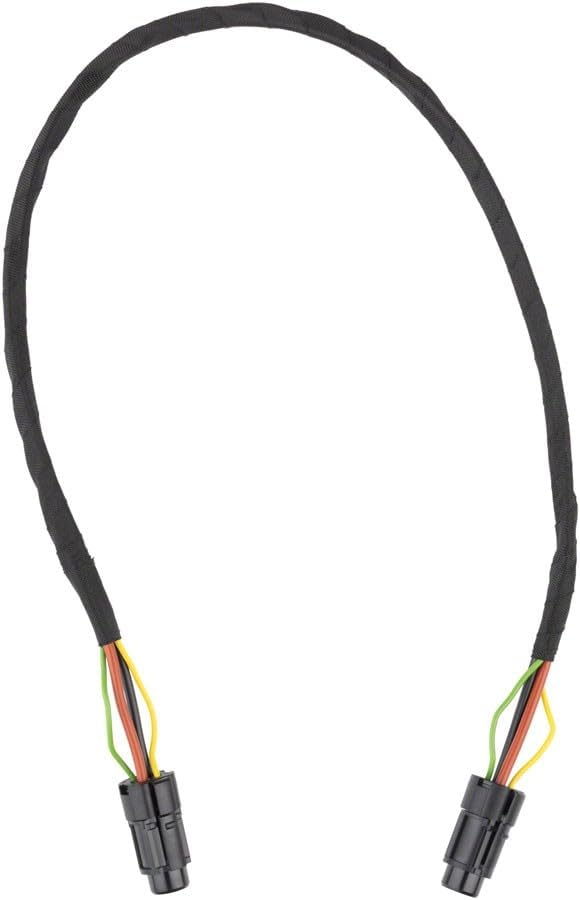
Description:**Made of material, and practical to use*This is the programming line specially used for BAFANG CAN protocol motor. It can solve the problem of setting the wheel diameter and releasing the speed limit. When your for M600 motor is limited by the factory to 32KM/H, do you feel that the speed is too slow to satisfy You, when you change to a new frame, because the size of the wheel diameter and the size set in the motor are different, and the speed displayed on the display is wrong, it always feels very disappointing, this programming line can solve your troubles and make you happy stand up. This programming line is simple and easy to operate. When you have questions and do not understand, you can consult our sales staff and we will bring you professional explanations and introductions.Operation introduction:1.First, the motor is connected and powered on2.the motor is connected to the main line of the instrument3.the interfaces at both ends of the programming cable are connected to the motor and the display screen respectively4.the USB of the programming cable is connected to the USB interface of the computer or display screen5.The programming line indicator lights up to indicate that the connection is successful. For detailed tutorials, please see the video tutorials6.If there is a 25 fault after connecting, just press the module button to return to normal. For some models, when the wheel diameter setting is switched, the wheel diameter size of the display screen does not change. At this time, you need to exit the setting and return to the main page of the display screen to re-enter the setting. Then you can see the wheel diameter you set.Introduction and operation of programming line buttons:Press 1 time in a row: wheel diameter 29 inches 60KM/H -2330mmPress 2 times in a row: wheel diameter 27.5 inches 60KM/H -2240mmPress 3 times in a row: wheel diameter 26 inches 60KM/H -2100mmPress 4 times in a row: wheel diameter 20 inches 60KM/H -1550mmPress 5 times in a row: wheel diameter 27.5 inches 25KM/H -2240mmIf there is a 25 fault after connecting, just press the module button to return to normal. For some models, when the wheel diameter setting is switched, the wheel diameter size of the display screen does not change. At this time, you need to exit the setting and return to the main page of the display screen to re-enter the setting. Then you can see the wheel diameter you set.Specification:*Material: Rubber+Metal*Color: Black (As Pictures Show)*Weight: About 50gPackage Includes:1 x USB Programming Cable
- 【 Material】Made of durability and practical materials, ensuring long-lasting use.
- 【CAN Protocol Motor】This programming cable is specially designed for CAN protocol motor, solving issues such as wheel diameter setting and speed limit release.
- 【Easy to Use】Simple and easy operation, with detailed tutorials provided. Our sales staff are available for professional explanations and introductions.
- 【Multiple Functions】Allows you to adjust the wheel diameter and display the correct speed, providing a satisfying riding experience.
- 【Specification】Material: Rubber+Metal; Color: Black; Weight: About 50g. Package includes 1 x USB Programming Cable.
| Item Weight | 0.741 ounces |
|---|---|
| Manufacturer | Startbuymore |
| Item model number | 5S0Z564FJD0TG03V8SN9 |
| Product Dimensions | 3.94 x 0.79 x 0.39 inches |





Bestseller ranking
Bowls & Dishes

Customers who viewed this product also viewed
Cables




Correction of product information
If you notice any omissions or errors in the product information on this page, please use the correction request form below.
Correction Request Form